Open and inspect the source
Bring in the picture or graphic, check its dimensions and quality, and decide what needs to change before touching individual controls.
Image editing basics
An image editor is software for changing, improving, arranging, or preparing visual files. This guide explains the core tools, practical limits, and common ways people use an image editor.
In plain language
An image editor lets you make controlled changes to a picture or graphic, from simple crops and color corrections to layered compositions and text overlays.
An image editor online works through a browser-based workflow for making changes without installing a traditional desktop program.
An image editor ai workflow adds automated assistance to selected editing tasks while keeping the visual result under your direction.
An image text editor online focuses on placing, styling, and adjusting words inside a visual composition.
Practical boundaries
Every image editor follows the same broad pattern: open a visual file, apply changes, review the result, and save an output. The details vary by tool, but the limits below are common.
If a photo is severely blurred, overexposed, or too small, editing may improve its appearance but cannot reliably recreate information that was never captured.
WorkaroundStart with the largest, clearest original file available and make modest adjustments.
An image editor can expose controls and automate some changes, but it cannot decide whether a crop, color balance, or layout fits your purpose.
WorkaroundDefine the audience and intended use before making the final pass.
A result may look right on screen yet change after resizing, compression, color conversion, or printing.
WorkaroundCheck the final file at its delivery size and use an export setting suited to the destination.
Editing can combine, reshape, and refine supplied material, but it does not automatically provide licensed photos, logos, or brand guidelines.
WorkaroundUse assets you own or have permission to use, then keep the source files organized.
The editing loop
The most useful way to understand an image editor is to follow a simple three-part workflow from source file to prepared result.
Bring in the picture or graphic, check its dimensions and quality, and decide what needs to change before touching individual controls.
Crop the frame, correct appearance, remove or add elements, arrange layers, or place text according to the intended outcome.
Compare the edited version with the source, check edges and readability, then save a suitable copy while keeping the original intact.
A simple example
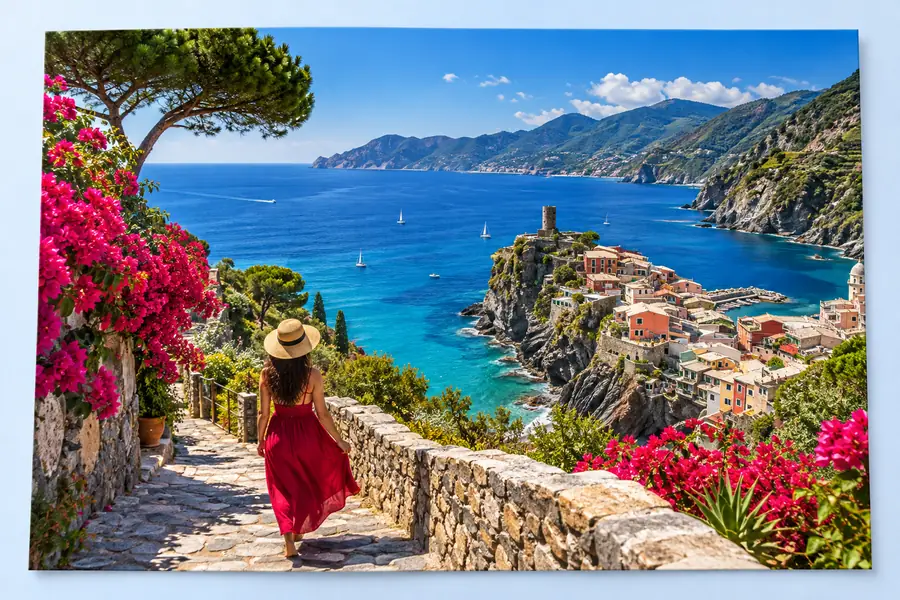
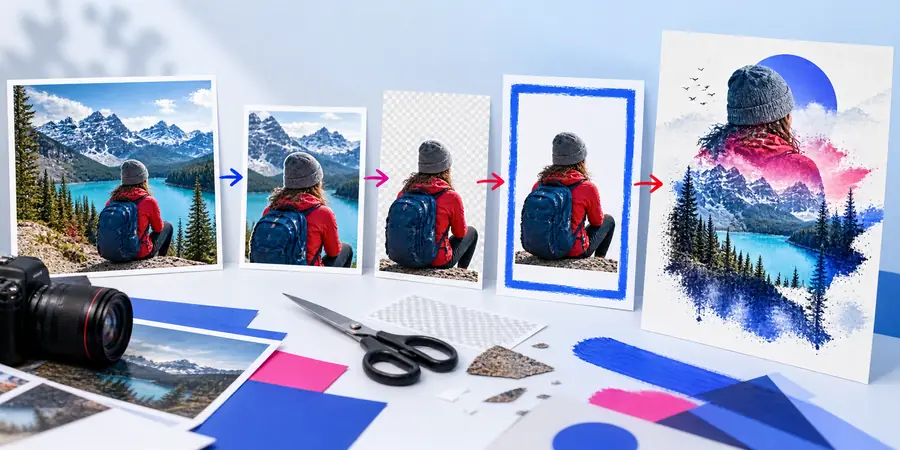
A before-and-after view makes each change easier to evaluate.
Common users
An image editor is useful whenever a visual file needs to communicate more clearly, fit a specific space, or match a consistent style.
A business owner needs a product photo, announcement, or social post to look consistent across several channels.
Cropping, color cleanup, and clear text can turn a rough source into a more usable brand asset.
image editor onlineA creator prepares thumbnails, blog graphics, or supporting visuals from photographs and screenshots.
An image editor helps establish a repeatable layout, readable hierarchy, and recognizable visual style.
image editor examples freeA learner or educator needs to mark up an image, assemble a presentation visual, or explain a process.
Simple annotations, labels, crops, and callouts make information easier to follow.
image text editor onlineA photographer prepares selected images for sharing, printing, portfolios, or client review.
An image editor supports careful framing, tonal adjustments, and export checks without changing the original capture.
before and after picture maker online freeA team adapts one visual into several campaign sizes while preserving the main message and visual identity.
Reusable editing steps make revisions easier to review and reduce avoidable layout inconsistencies.
image editor for photoshopChoosing the right tool
Basic image editor
Quick corrections, crops, text, and simple compositions
Advanced image editor
Detailed retouching, layered design, and complex compositing
Basic image editor
Usually easier to understand for occasional tasks
Advanced image editor
Often requires more time to learn and practice
Basic image editor
May offer limited or simplified layer handling
Advanced image editor
Usually provides deeper control over layers, masks, and effects
Basic image editor
Well suited to straightforward visual changes
Advanced image editor
Better suited to fine selections and repeatable detailed work
Basic image editor
Useful for fast, focused edits with fewer decisions
Advanced image editor
Useful when a project needs many editable stages
Basic image editor
Everyday users, quick content, and basic visual preparation
Advanced image editor
Designers, photographers, and projects needing extensive control
Basic image editor
Often emphasizes a simple finished export
Advanced image editor
More likely to preserve a structured working file for later revisions
Start with one image, identify the single change that matters most, and inspect the result before adding more adjustments. A focused workflow usually produces a clearer outcome than changing everything at once.
Common question
An image editor is software that changes visual files such as photos, illustrations, screenshots, and graphics. It can alter appearance, composition, dimensions, or added elements so the file better suits a specific purpose.
An image editor can crop, resize, adjust color, add text, combine visual elements, and prepare an output for sharing or publishing. The exact controls depend on the tool and the type of file being edited.
No. A photo viewer is mainly for opening, browsing, and sometimes organizing pictures, while an image editor is designed to change them. Some applications include both viewing and editing functions.
Anyone who needs to improve, explain, resize, brand, or repurpose a visual may use one. Common users include photographers, creators, businesses, students, teachers, and design teams.