Choose a representative image
Pick one photo that includes the edits you actually make: cropping, cleanup, color correction, text, or resizing. Avoid testing only on an unusually simple image.
Practical comparison
An image editor alternative free should make everyday edits easier, not force you into a larger workflow than the task requires. Compare the tradeoffs before you move your projects.
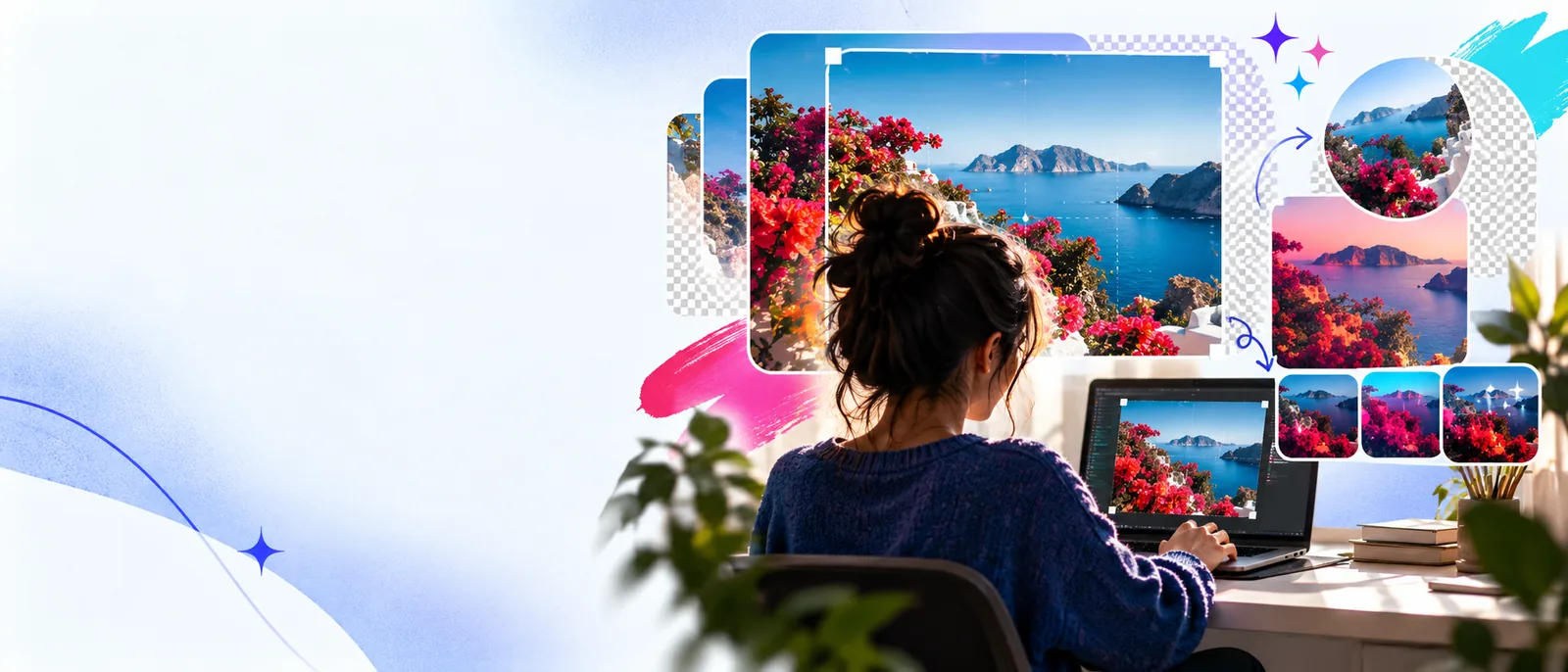
Start with tradeoffs
A free alternative can be a sensible choice for focused image work, but it is not automatically a replacement for every advanced workflow.
A different editor can organize tools, panels, and keyboard commands in unfamiliar ways. The first few sessions may feel slower while you rebuild muscle memory.
WorkaroundStart with one repeatable task and map only the shortcuts you use most.
Some alternatives may not preserve every layer behavior, adjustment type, or project feature from a larger desktop application.
WorkaroundKeep an editable source copy and test one representative project before moving a full archive.
A free editing route may have practical limits around storage, export choices, collaboration, or supported workflows. Check the actual handoff before relying on it for production.
WorkaroundUse it for defined jobs first, then document which exports and project types work reliably.
No editor removes the need to make decisions about masking, color, composition, and image quality. Automation can assist, but it does not replace review.
WorkaroundUse a simple checklist for edges, skin tones, text alignment, and final dimensions.
A lower-friction move
A short trial gives you evidence based on your own images instead of relying on feature lists or familiar brand names.
Pick one photo that includes the edits you actually make: cropping, cleanup, color correction, text, or resizing. Avoid testing only on an unusually simple image.
Repeat the workflow in the alternative, noting the number of decisions, export settings, and any points where the tool behaves differently from your usual editor.
Open the result where it will be used and check dimensions, sharpness, color, transparency, and text placement. Keep the source and final versions together.
Continue comparing
These nearby guides help you compare the same decision from an online, browser-based, or established-software perspective.
Compare browser-friendly alternatives when access across devices matters more than matching a desktop setup.
See how browser-based editing fits quick revisions, shared devices, and lightweight production tasks.
Explore the considerations for users who need an editing workflow alongside Photoshop rather than a complete replacement.
Compare the workflow
A useful comparison looks beyond the word free. These dimensions show where a focused alternative may help and where your established editor may remain stronger.
Free alternative
Usually easier to test for a focused task without rebuilding a full workflow.
Established editor
May require a larger installation, setup, or commitment to the existing application.
Free alternative
Can feel approachable when the task uses a small set of tools.
Established editor
Familiar if you already know the interface, but broad feature depth can add complexity.
Free alternative
Well suited to crops, resizing, basic corrections, and simple composition changes.
Established editor
Usually offers a wider range of adjustment controls and repeatable production features.
Free alternative
Works for straightforward labels, social graphics, and image annotations when placement is simple.
Established editor
Often gives more control for typography systems, layers, and complex compositions.
Free alternative
Best validated one file type and export at a time before moving important work.
Established editor
May have stronger continuity with existing project files and established asset libraries.
Free alternative
Can reduce setup when you need one clear edit rather than a complete studio workflow.
Established editor
Can be faster for experienced users who rely on custom actions, presets, and shortcuts.
Free alternative
The right route can reduce unnecessary transfers, but the actual handling depends on the product.
Established editor
A local workflow may offer clearer control, though backups and connected services still matter.
Free alternative
A focused option for occasional edits, quick experiments, and clearly scoped deliverables.
Established editor
A stronger fit for high-volume work, complex files, and specialized production requirements.
Match the user
The best choice depends on the work you repeat, the files you inherit, and how much control you need over the final result.
You need to crop, resize, correct, or prepare a few images without adopting a large production system.
A focused free alternative can keep the process understandable and reduce setup for small jobs.
image editor freeYou move between devices and want a practical way to handle a quick image task without depending on one workstation.
A browser-oriented workflow may suit lightweight revisions, provided the export matches your destination.
image editor browserYou receive layered projects or need precise typography, masks, and repeatable adjustments across many assets.
Keep the established editor for complex source files and use an alternative only where it passes a real file test.
image editor for photoshopYou prepare thumbnails, announcements, product images, or simple graphics on a recurring schedule.
A simpler workflow can be effective when templates, dimensions, and export checks are clearly defined.
image text editor onlineSee the handoff
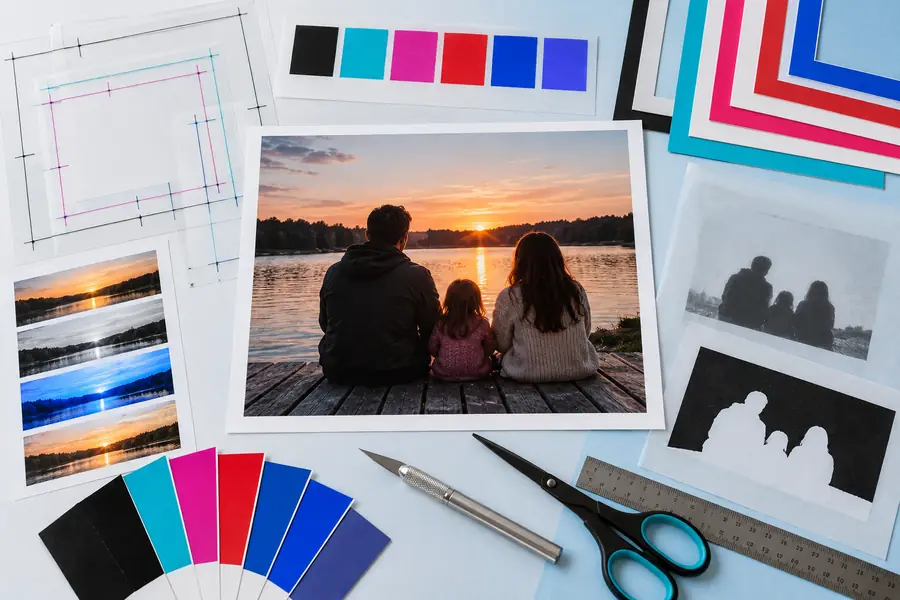
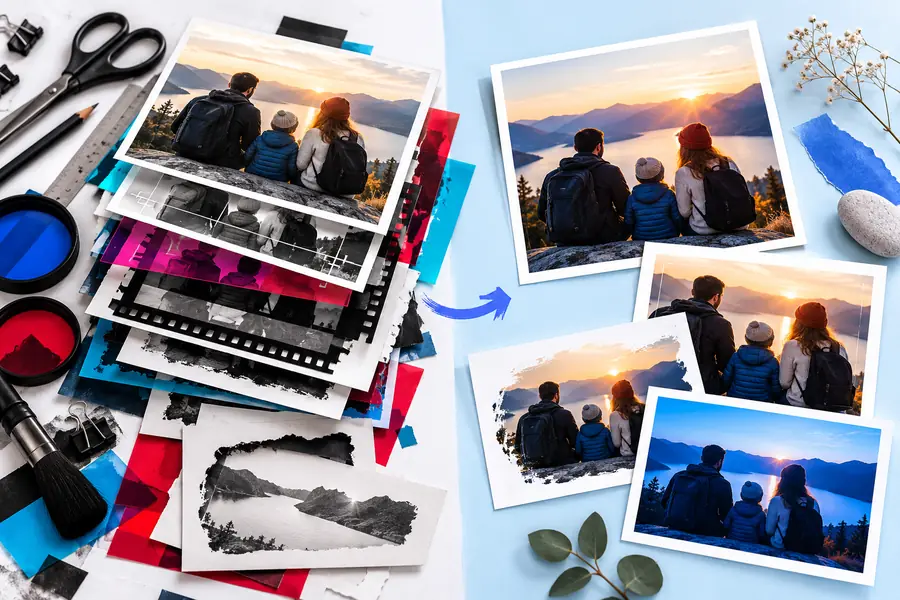
Use the same source, instructions, and export target on both sides so the comparison measures the workflow rather than the subject.
Make the next edit simpler
Bring one representative task to the comparison, check the exported result, and decide from evidence. A focused workflow can be the right answer when you do not need every advanced feature in every project.
Comparison FAQ
It should handle the specific edits you repeat with acceptable control and output quality. The strongest test is one of your own images, exported for its real destination, rather than a feature checklist alone.
Sometimes, for cropping, resizing, basic corrections, annotations, and simple compositions. It may not replace a professional workflow when you depend on complex layers, specialized retouching, advanced typography, or established project files.
Neither is universally better. Online tools can reduce device dependence and setup, while desktop tools may provide stronger local control or continuity with existing files; the right choice depends on your images and working environment.
Use the same source image, dimensions, color expectations, and export destination in both workflows. Review sharpness, artifacts, text edges, transparency, and how the result looks in the place where it will actually be published.
Keep original files and test a representative project first. Record which formats, layers, effects, and exports survive the move, then migrate only after the alternative meets the requirements of your regular work.