Open a working copy
Choose the source image and duplicate it before making changes. Keep the original untouched so you can compare results or restart without losing useful detail.
Begin with confidence
This image editor tutorial for beginners turns a blank canvas into a finished, useful edit. Follow the same order each time: protect the original, make the largest visual change first, then check the result before sharing.
Choose your route
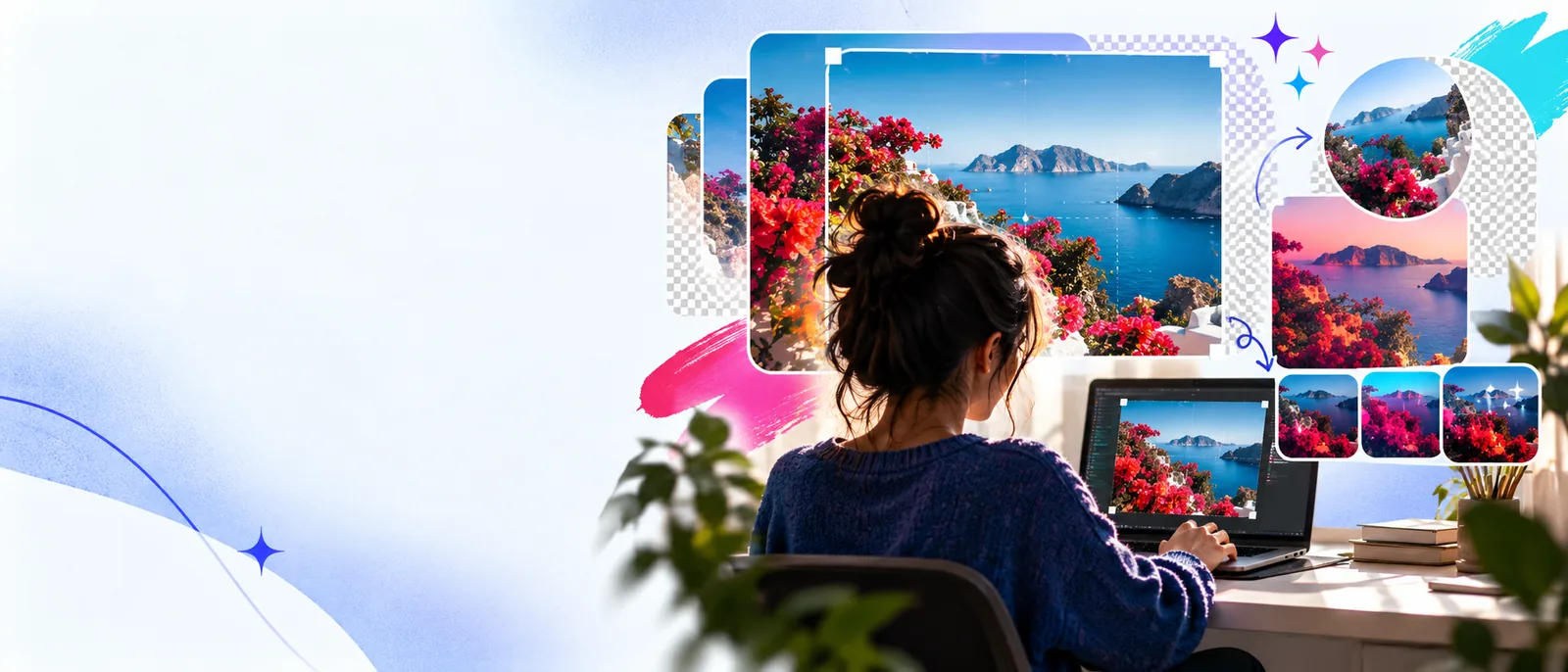
Most first edits fit one of two situations. Choose the path that matches your goal, then keep the other path in mind for the final review.
Follow a broader online workflow when you want a complete start-to-finish editing routine.
Use this focused guide when the main job is placing, styling, and checking words on an image.
See how a before-and-after layout helps you judge whether an edit actually improved the image.
Explore an AI-oriented route when you want help turning a written visual idea into an image.
Path A
Choose Path A when the image already exists and you want to improve it without changing its basic subject. This is the most useful starting point for portraits, product photos, screenshots, and everyday graphics.
Choose the source image and duplicate it before making changes. Keep the original untouched so you can compare results or restart without losing useful detail.
Start with crop, rotation, or framing. These changes affect the whole composition, so they should come before color, sharpness, text, or decorative effects.
Adjust brightness, contrast, color balance, or clarity in small moves. Zoom out to judge the overall image, then zoom in briefly to catch rough edges and distracting artifacts.
Review the final dimensions and file type for the place where the image will appear. Save a clearly named edited copy rather than replacing the source by accident.
Pick the right approach
Choose Path B when you are building a graphic from an idea, adding a strong text layer, or asking a tool to help shape the visual direction. The goal is still the same: clear intent, controlled changes, and a deliberate final check.
Existing image
Open the source image and preserve a clean original.
New visual or graphic
Describe the subject, layout, mood, and intended use before creating.
Existing image
Decide what must improve: framing, light, color, or detail.
New visual or graphic
Decide what must be present: subject, text, hierarchy, and empty space.
Existing image
Crop distractions and keep the main subject easy to find.
New visual or graphic
Place the main subject first, then reserve room for supporting elements.
Existing image
Add text only after the image structure feels stable.
New visual or graphic
Plan the title length, contrast, and position before adding decoration.
Existing image
Make restrained adjustments that preserve believable tones.
New visual or graphic
Choose a small palette and repeat it across the visual for consistency.
Existing image
Over-editing can create halos, clipped highlights, or unnatural skin.
New visual or graphic
Vague instructions can produce clutter, weak hierarchy, or an unusable layout.
Existing image
Compare the edited version with the untouched source.
New visual or graphic
Check the result against the original brief or intended message.
Existing image
Undo the last change if it solves one problem by creating another.
New visual or graphic
Rewrite the instruction with concrete placement, size, and contrast guidance.
Use a simple rhythm
A reliable review is short but intentional. These three quantities give you a practical rhythm for checking an edit before you call it finished.
Compare the result
A side-by-side comparison prevents the edited version from feeling better simply because it is newer. Look for a clear improvement in the original goal, not just more visible effects.
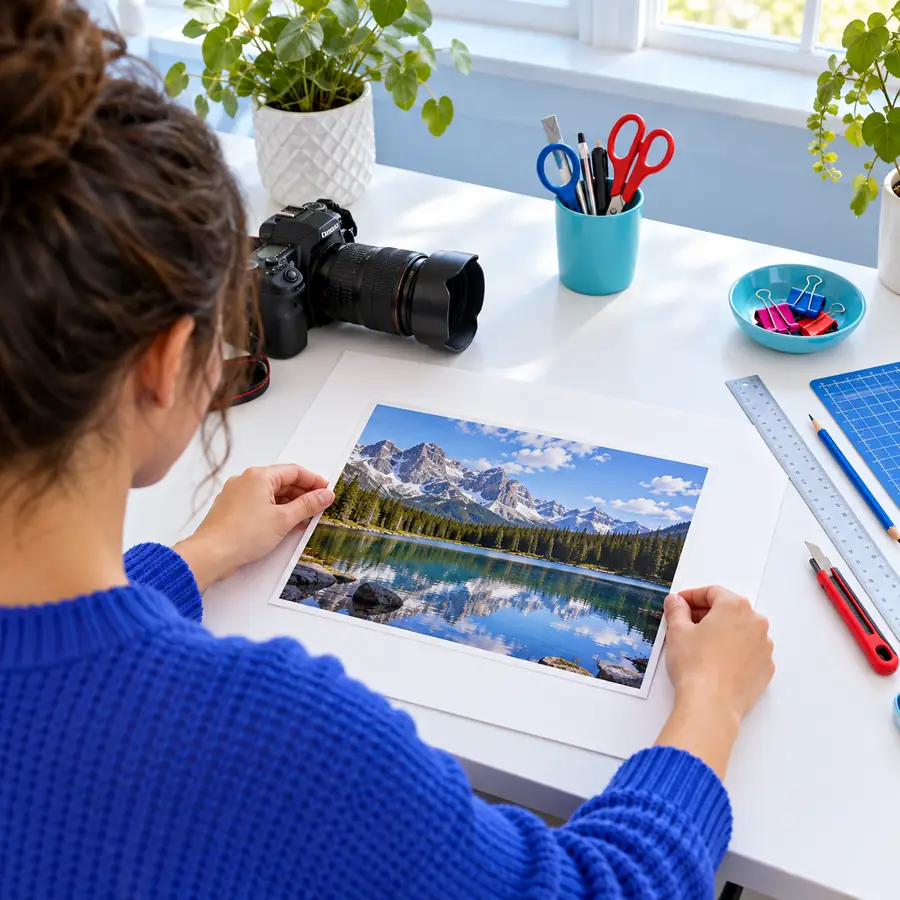
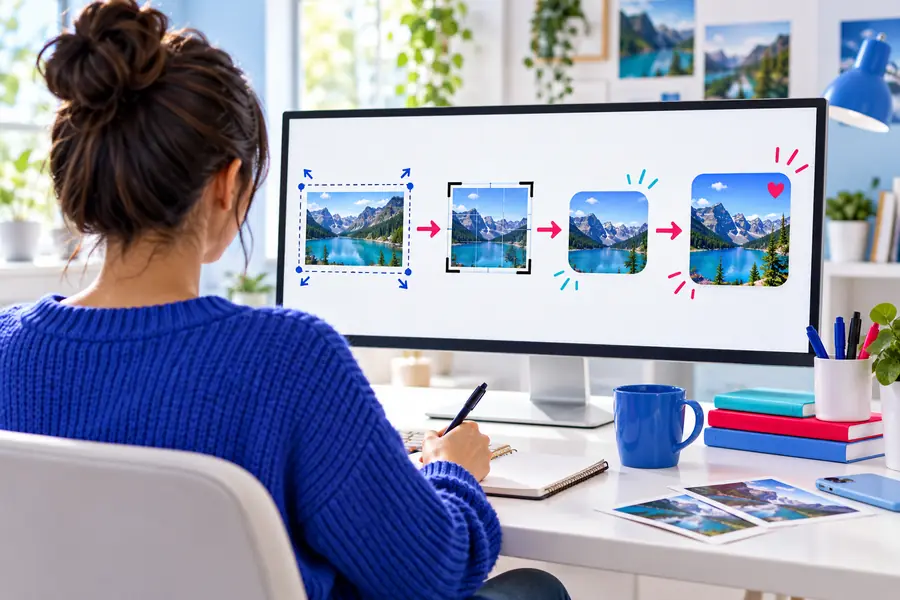
Compare the main subject, edges, text, and overall balance before exporting.
Finish with intent
You do not need every adjustment available in an image editor. A successful beginner edit usually has one clear purpose: make the subject easier to see, make the message easier to read, or make the composition fit its destination. If you can name that purpose in one sentence, you have a useful standard for deciding what stays and what goes.
Common questions
These answers cover the practical questions beginners usually face when opening an image editor for the first time.
Start with opening a file, duplicating the original, cropping, adjusting basic light and color, adding simple text, and exporting a copy. These skills solve more everyday problems than advanced effects and give you a dependable editing order.
Begin with one clear goal, such as removing empty space or making a subject easier to see. Work in small changes, compare the result with the original, and undo any adjustment that creates a new problem.
A simple crop-and-caption project is a strong first exercise. Use one image, place a short title where it remains readable, check the contrast at full size, and save the finished version separately from the source.
Check whether the original purpose is easier to understand after editing. Then inspect the edges, text, brightness, and final composition at the size and location where people will see it.
Make a copy first and keep the original unchanged. This gives you a safe reference for comparison and lets you restart if cropping, color adjustments, or text placement move in the wrong direction.