Match the source
Begin with a representative image rather than a simple test file. Include the dimensions, transparency, texture, and subject matter found in your normal work.
Comparison guide
An image editor alternative online can simplify everyday edits, but the best choice depends on output quality, workflow speed, and the work you actually do. Use this comparison to identify where an online editor fits and where a desktop tool remains stronger.
Total cost
The lowest visible price is only one part of the decision. Compare the broader cost of getting an image from source file to finished result.
An online alternative may cover cropping, resizing, adjustments, and straightforward compositing without matching every specialized desktop control.
WorkaroundList the three tools you use most and test those workflows before switching.
Different editors can handle file types, color settings, transparency, and layered projects differently.
WorkaroundConfirm the required export format with one representative project before moving a larger library.
Large uploads, cloud assets, and remote processing can feel less dependable on a weak or restricted network.
WorkaroundKeep source files organized locally and schedule heavier work when the connection is stable.
Shortcuts, panel layouts, and saved presets may not transfer directly from a familiar desktop editor.
WorkaroundStart with repeatable, low-risk tasks and create a short personal checklist for the new workflow.
Quality check
Quality is not a single slider. The important question is whether an alternative preserves the details your audience, client, or delivery channel can see.
Begin with a representative image rather than a simple test file. Include the dimensions, transparency, texture, and subject matter found in your normal work.
Compare fine text, hair, product outlines, gradients, and shadow transitions at the final delivery size. These areas reveal quality differences quickly.
Open the finished file where it will actually be used, such as a website, presentation, marketplace listing, or social post, and check for unwanted compression or color changes.
Related paths
Time savings usually come from fewer setup steps, not from skipping quality checks. These related guides cover nearby choices in the same decision.
Use this comparison when minimizing direct cost is the main reason for changing tools.
Review the broader online workflow when you want editing access through a browser-based surface.
Explore browser-focused considerations such as access, file handling, and working across devices.
Visual comparison
A before-and-after view makes the tradeoff easier to judge: the value of an online alternative is strongest when a clean result matters more than a large, specialized toolset.
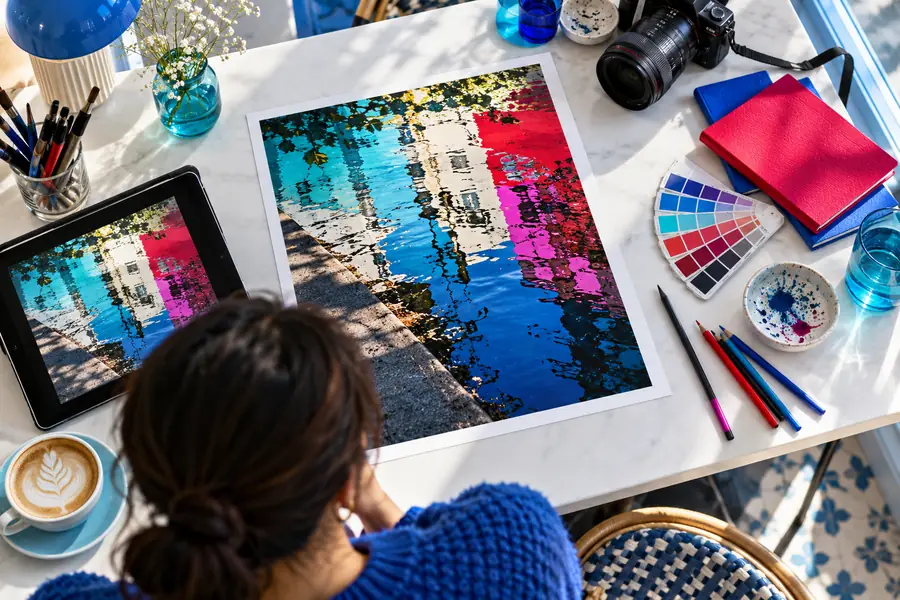
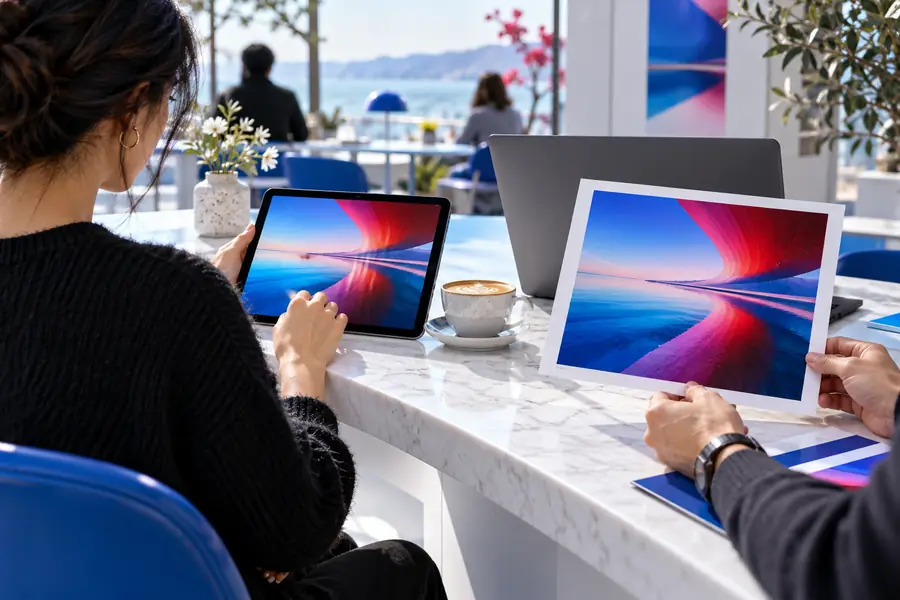
Compare at the final delivery size, not only while zoomed in.
Decision guide
The right alternative depends on the job. Use these scenarios to connect a tool choice with a practical outcome rather than choosing by feature count alone.
You need to clean up images, adjust framing, and prepare consistent visuals while moving between locations or devices.
An online workflow can reduce setup friction for repeatable edits and keep the process easy to access.
image editor onlineYou make product images, announcements, and simple promotional graphics without a dedicated design workflow.
A focused image editor alternative online may be easier to adopt than a large desktop application with many unused controls.
image editor alternative freeYou already have a deep desktop workflow but occasionally need a quick adjustment on another computer.
An online alternative can serve as a practical companion for lighter tasks while the main editor remains the source of truth.
image editor for PhotoshopYou resize, crop, and optimize images for pages, newsletters, or listings under regular deadlines.
A browser-based editor can shorten the path from source image to appropriately sized web asset when advanced retouching is unnecessary.
image editor browserMake the switch
Try the workflow with one real image before moving your whole process. An image editor alternative online is most useful when it removes repeated friction without compromising the quality, format, or turnaround your work requires.
Comparison FAQ
These answers address the practical questions people ask when considering an image editor alternative online.
It is a browser-accessible editing option considered instead of a familiar desktop or installed image editor. It may suit tasks such as cropping, resizing, adjustments, and simple compositions, while more specialized work may still favor a desktop application.
That depends on the task and the quality checks required. An online editor can be a strong fit for routine adjustments and accessible workflows, but advanced color control, complex layers, automation, or specialized plugins may make a desktop editor the better choice.
Choose one when access across devices, a shorter setup process, or straightforward repeatable edits matter most. Test a representative project first so you can confirm that the output quality, export options, and workflow match your needs.
It can save time when your current process involves opening a heavy application for small jobs or moving between devices. The gain depends on upload time, connection quality, file size, and how closely the online editor matches your normal steps.
Sometimes, but a complete replacement is usually a workflow decision rather than a feature-list decision. Keep the current tool available until the alternative has passed your real tests for quality, file handling, repeatability, and the types of projects you produce.